Artificial intelligence is no longer limited to standalone tools. It is now being integrated into the platforms teams use every day.
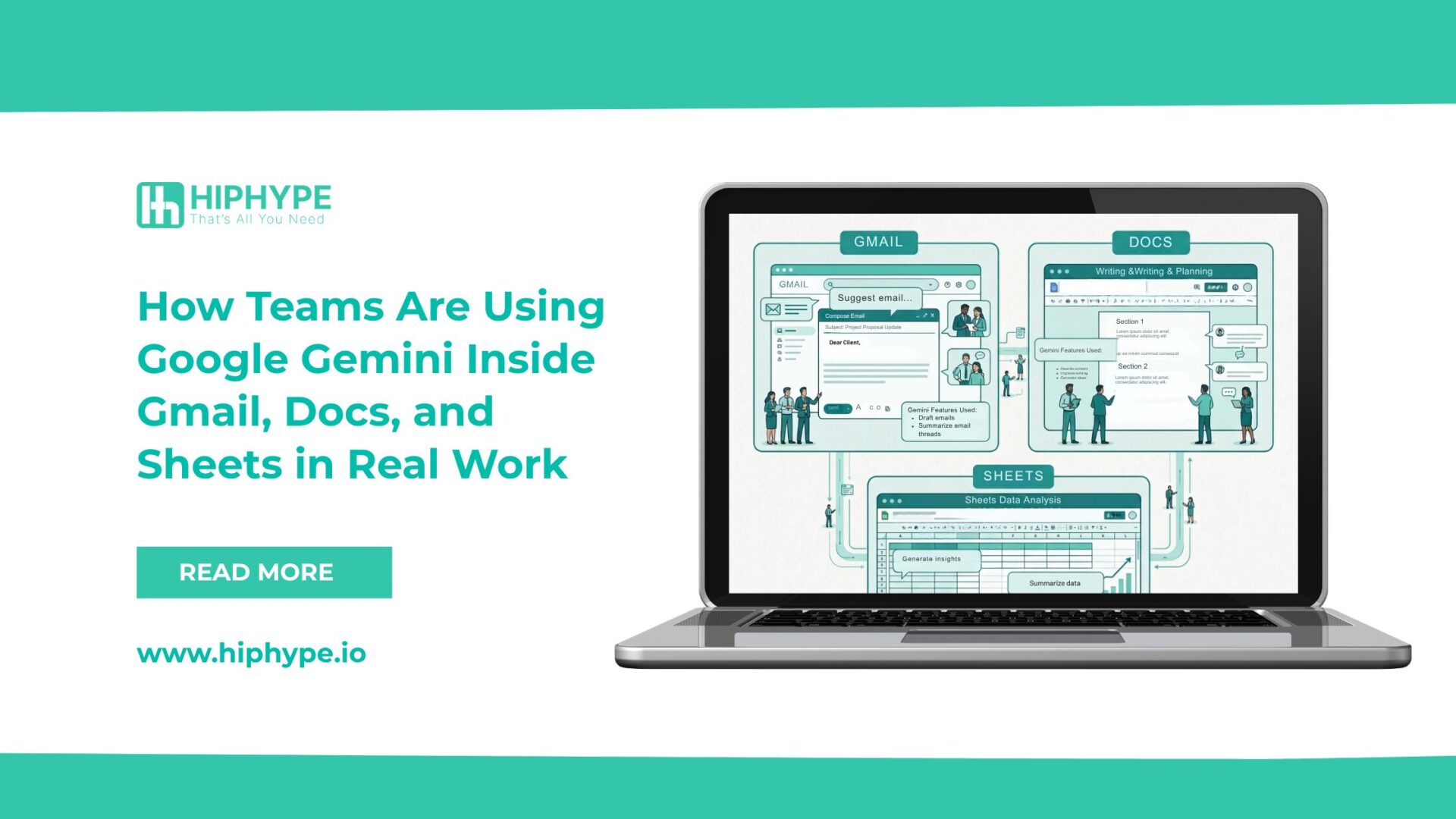
With Google Gemini embedded within Gmail, Google Docs, and Google Sheets, businesses are beginning to incorporate AI directly into their daily workflows. This reduces the need to switch between tools and allows teams to complete tasks more efficiently within a familiar environment.
However, the real value of Gemini lies not in its features, but in how it is being used in practical, day-to-day work.
This article explores how teams are using Google Gemini in Gmail, Docs, and Sheets, along with the actual impact it is having on productivity and workflow efficiency.
Using Google Gemini in Gmail
Email communication remains a core part of business operations. Gemini enhances this process by supporting faster and clearer communication.
Drafting and Responding to Emails
Teams are using Gemini to:
- Generate email drafts based on context
- Respond to long email threads quickly
- Adjust tone for different audiences
This is particularly useful for teams managing high volumes of communication, such as customer support and sales.
Summarizing Email Threads
Long email chains can slow down decision-making. Gemini helps by:
- Summarizing key points
- Highlighting important updates
This allows users to quickly understand the context without reviewing the entire conversation.
Improving Clarity and Tone
Gemini also supports rewriting emails to:
- Improve clarity
- Maintain a professional tone
- Simplify complex messages
This helps ensure consistent communication across teams.
Using Google Gemini in Google Docs
Google Docs is widely used for content creation, documentation, and internal communication. Gemini enhances productivity by supporting both writing and editing processes.
Generating Initial Drafts
Teams are using Gemini to:
- Create content outlines
- Generate first drafts
- Develop structured ideas
This reduces the time required to start from scratch and speeds up the writing process.
Editing and Refining Content
Gemini helps improve content by:
- Correcting grammar
- Simplifying language
- Enhancing readability
This is particularly useful for teams aiming to maintain clear and accessible communication.
Summarizing Documents
For lengthy documents, Gemini can:
- Provide concise summaries
- Highlight key sections
This supports faster reviews and more efficient collaboration.
Using Google Gemini in Google Sheets
Data analysis is an essential part of business decision-making. Gemini helps teams interact with data more effectively.
Understanding Data Through Natural Language
Users can ask questions about their data and receive clear explanations. This makes data more accessible, especially for non-technical users.
Identifying Trends and Insights
Gemini can assist in:
- Highlighting patterns
- Suggesting insights
- Summarizing key metrics
This supports better decision-making without requiring advanced analytical skills.
Reducing Manual Effort
Tasks such as:
- Writing formulas
- Organizing datasets
can be completed more efficiently with Gemini support, reducing repetitive work.
Observed Impact on Daily Work
From practical usage, teams are experiencing:
- Faster content creation
- Improved email efficiency
- Better understanding of data
- Reduced time spent on repetitive tasks
Overall, Gemini is helping teams streamline workflows without introducing additional complexity.
Current Limitations
Despite its benefits, Gemini is not without limitations.
Teams have observed that:
- Outputs may require manual review
- Context is not always fully accurate
- It is not suitable for complex decision-making without human input
As a result, Gemini should be used as a support tool rather than a replacement for human judgment.
Business Implications
Integrating Gemini into daily workflows allows businesses to:
- Improve operational efficiency
- Maintain consistency in communication
- Enhance productivity across teams
- Reduce dependency on multiple tools
However, the effectiveness of Gemini depends on how well it is integrated into existing processes and workflows.
Conclusion
Google Gemini is gradually becoming a part of everyday business operations within tools like Gmail, Docs, and Sheets.
It supports teams in managing communication, creating content, and working with data more efficiently. However, its value lies in how it is applied within a structured workflow.
Businesses that use Gemini with a clear understanding of their processes and objectives are more likely to see meaningful improvements.
Rather than replacing human effort, Gemini works best as a tool that enhances it.